



→ F-Drones launcher
The simulator without the internet and without Steam
The launcher activates the licence, then installs, updates and starts F-Drones Simulator on Windows and macOS.
- Works without the internet
- Updates itself
- Does not break during an update
- Windows & macOS
Without the internet
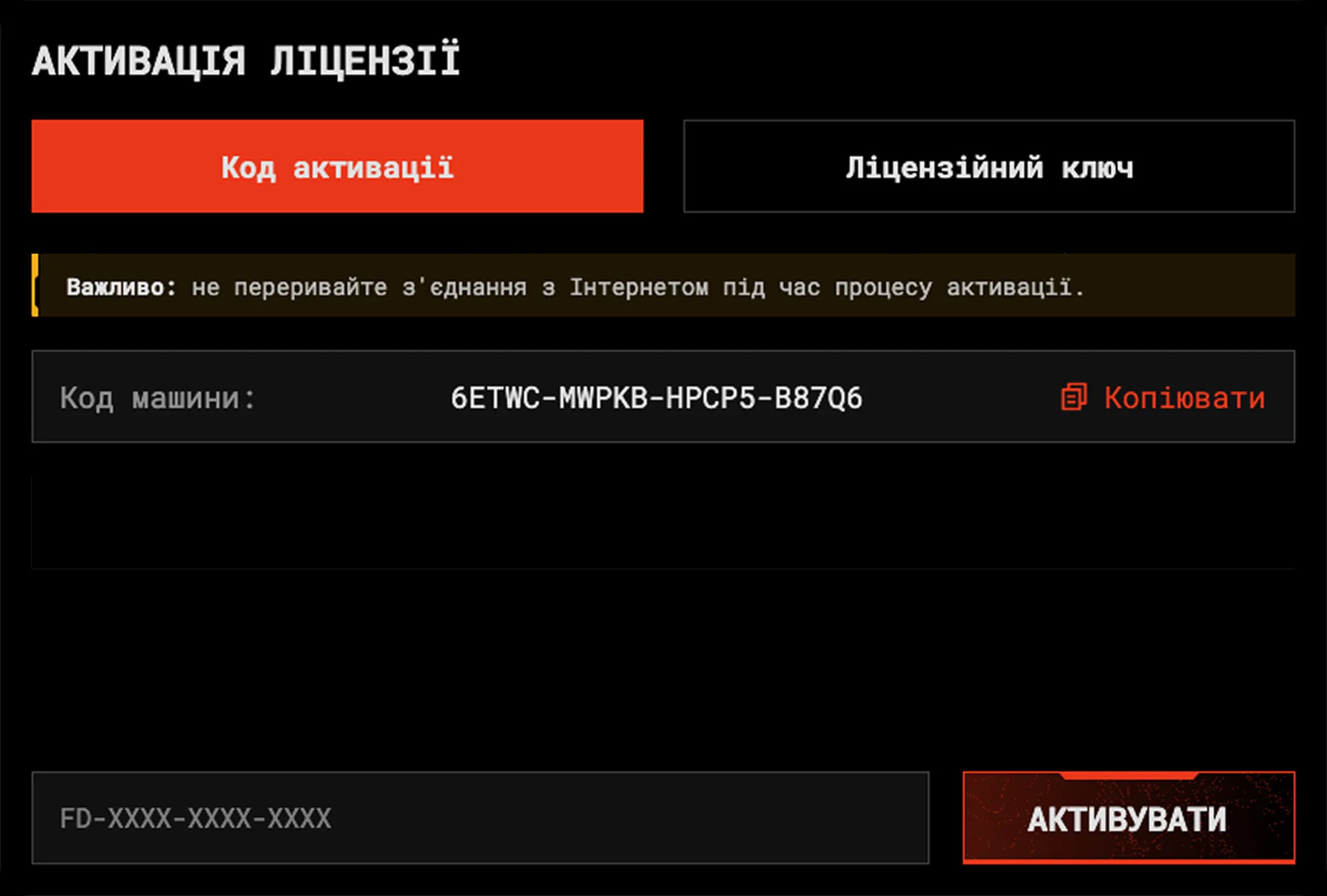
After activation the simulator starts without a network. If the computer has no internet, activate the licence through your phone:
- The launcher shows a code.
- Open the activation page on your phone and enter this code.
- The page gives you a confirmation code. Enter it in the launcher.
Downloads survive connection drops
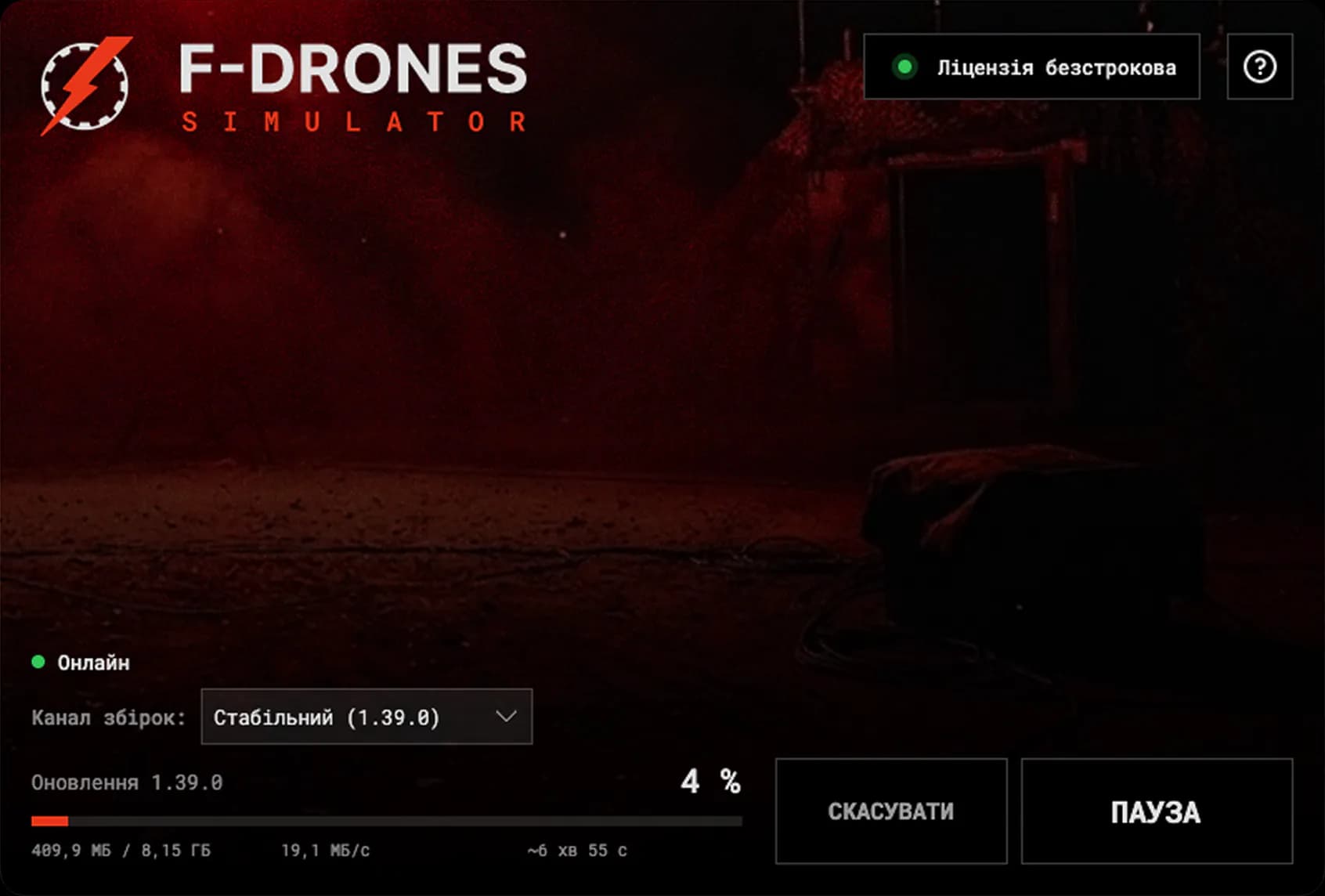
- After a drop the download resumes from where it stopped.
- A download can be paused.
- An update fetches only the changed files.
- The launcher shows how much is left, the speed and the time to completion.
An update does not break the simulator
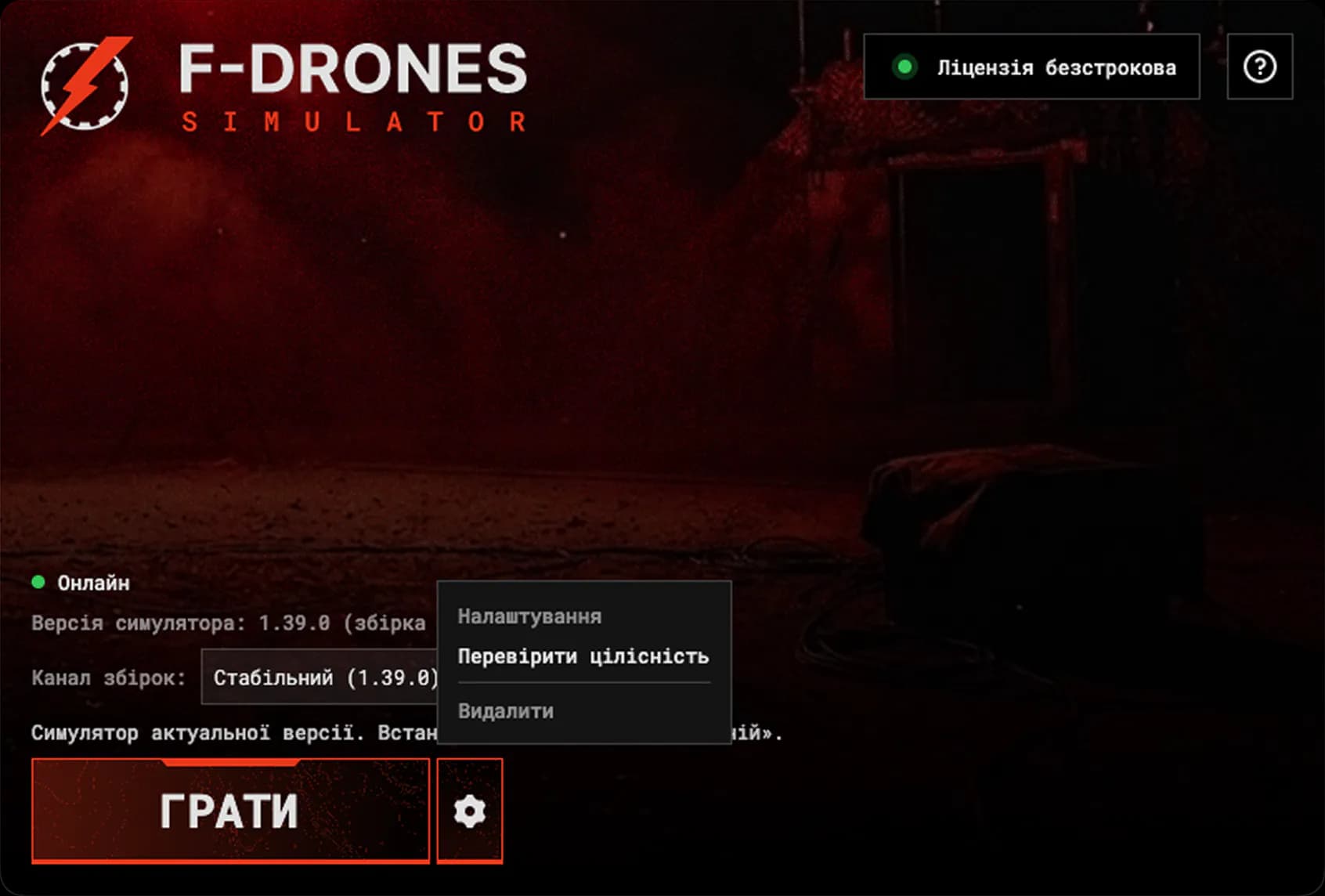
If an update is interrupted, for example by a power cut, the launcher finishes it on the next start or restores the previous version.
If the simulator behaves strangely after files were moved or a disk failed, press «Verify integrity». The launcher finds the damaged files and re-downloads only those. The «Collect report» button prepares a single file for support; your key never ends up in it.
F-Drones releases updates directly, and the launcher downloads official versions only.
A licence per computer
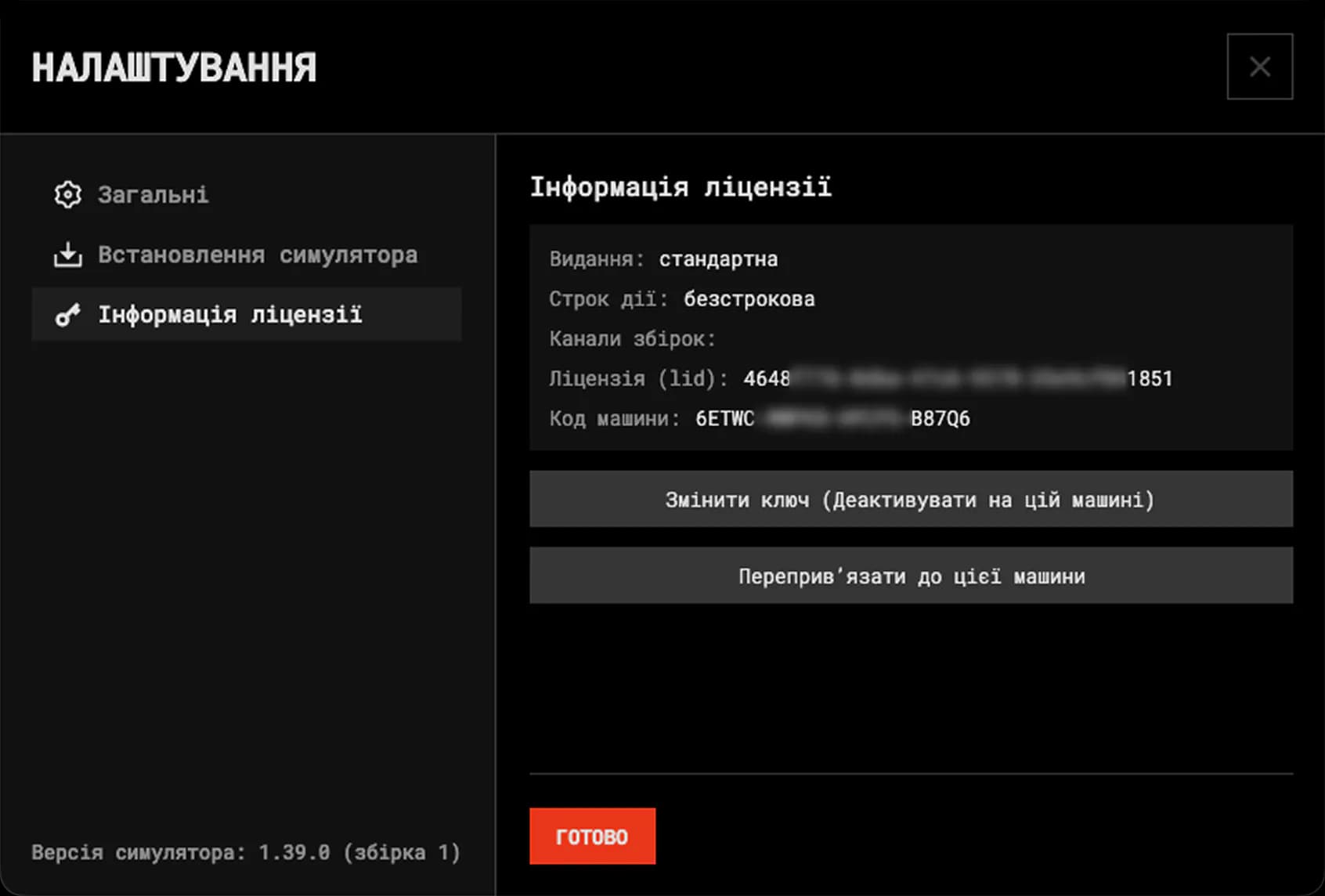
One licence activates one computer for all of its users.
F-Drones launcher
How it works
- [01]Install the launcher
- [02]Activate the licence with a key
- [03]Press «Install»
From then on the «Play» button starts the latest version.
F-Drones Simulator
What's inside
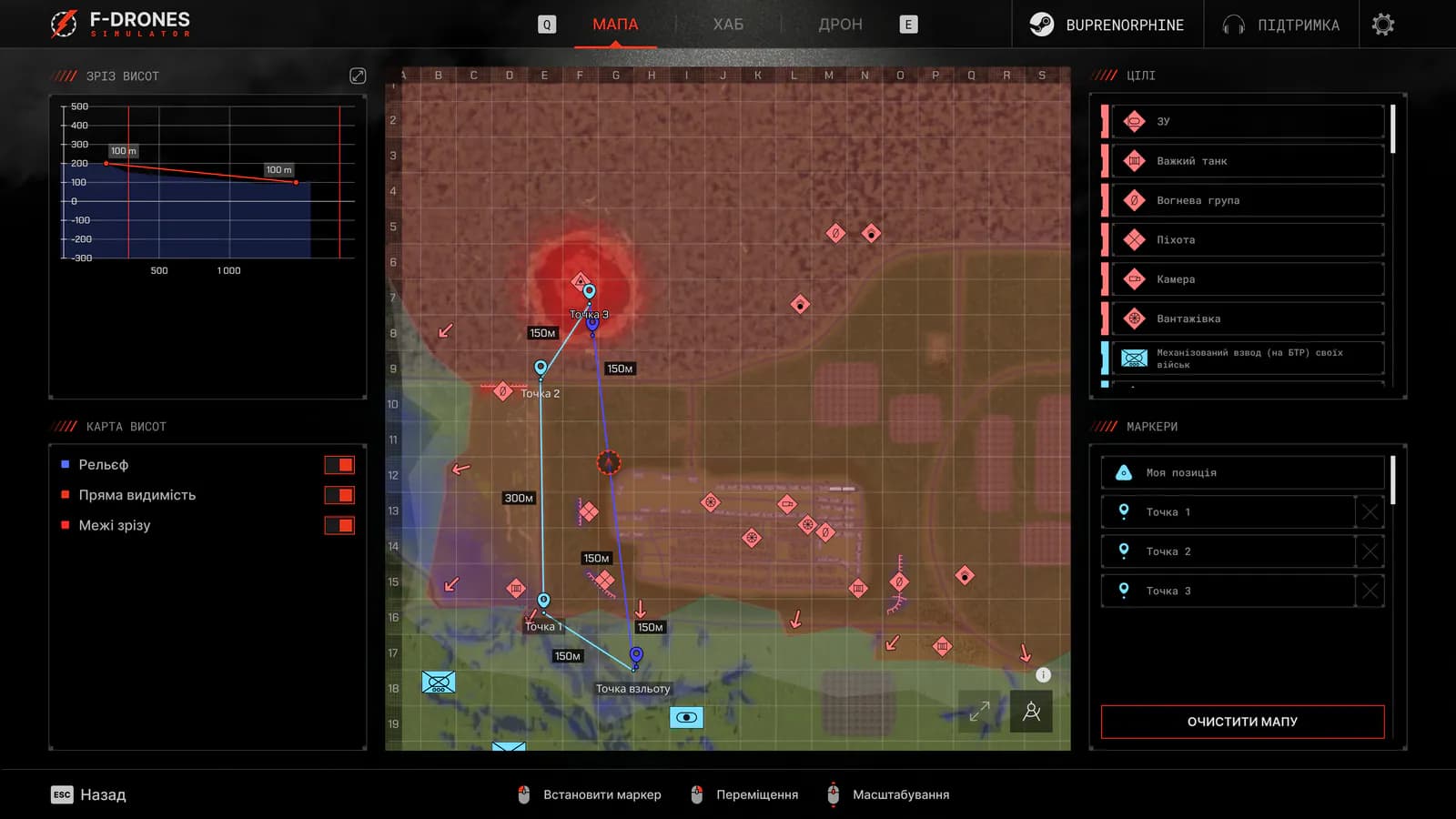
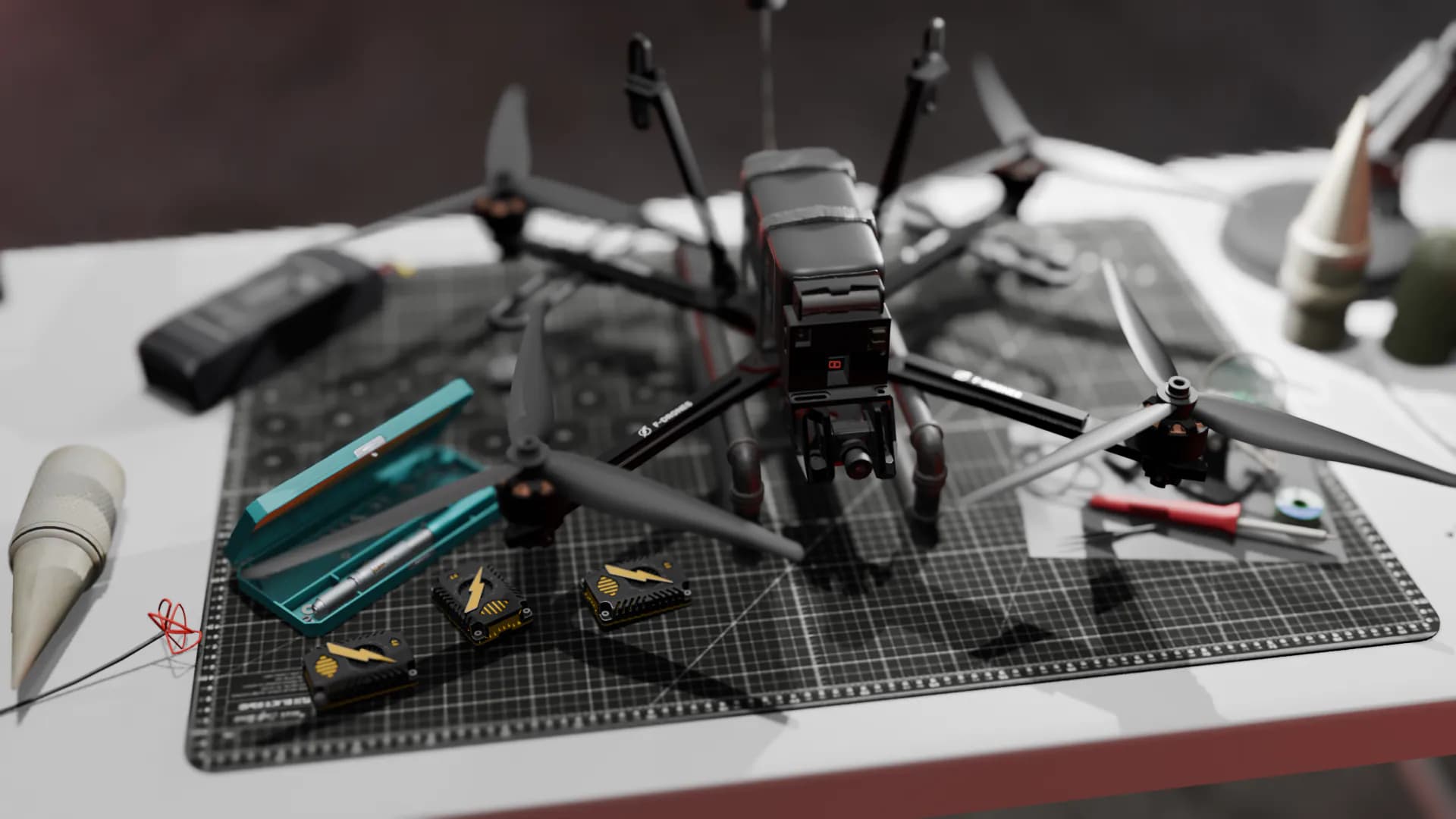
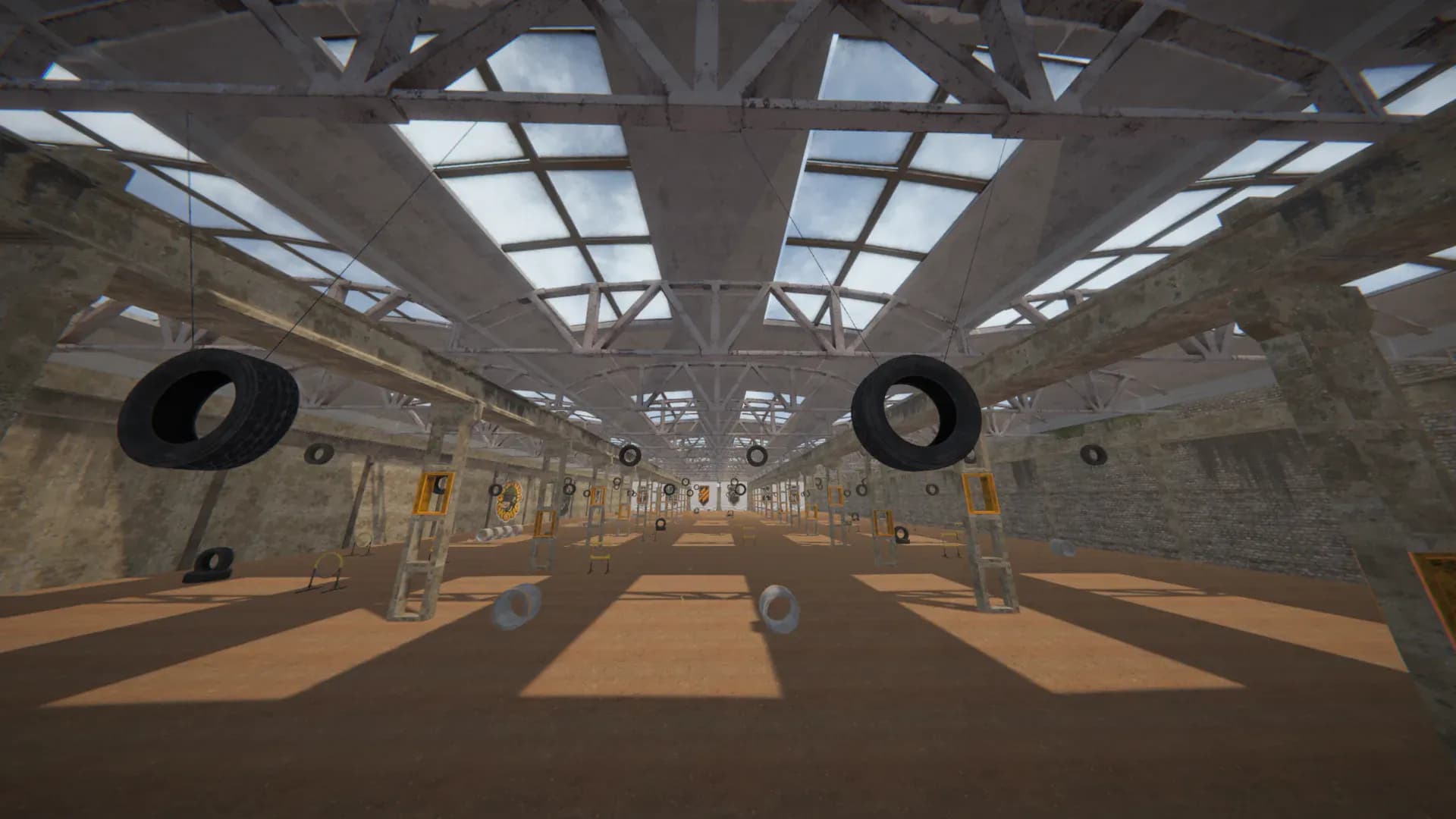
Minimum
System requirements
- OS
- Windows 8/10/11 or macOS 12 and later
- Processor
- Intel Core i3-4340 / AMD FX-6300; on a Mac — Intel or Apple Silicon (M1 and later)
- Memory
- 8 GB RAM
- Graphics
- NVIDIA GeForce GTX 960 2 GB / AMD Radeon R7 370 2 GB
- DirectX
- Version 11
- Storage
- 10 GB available space
- Internet
- For the download and updates. Without a network the key can be activated with a phone
Licence
Buy a licence
A Game version licence for F-Drones Simulator. After payment the licence key arrives by email and appears on the confirmation page.
F-Drones Simulator Game version licence
A non-exclusive licence to use the Game version of the Simulator, confirmed by a licence key for the launcher.
By pressing «Pay» you accept the Public offer agreement.
Downloads
Download the launcher
Windows


macOS
Questions & answers
What does the 480 ₴ licence give me?
A non-exclusive licence to the Game version of F-Drones Simulator: the racing and combat modes. The licence key activates one computer.